


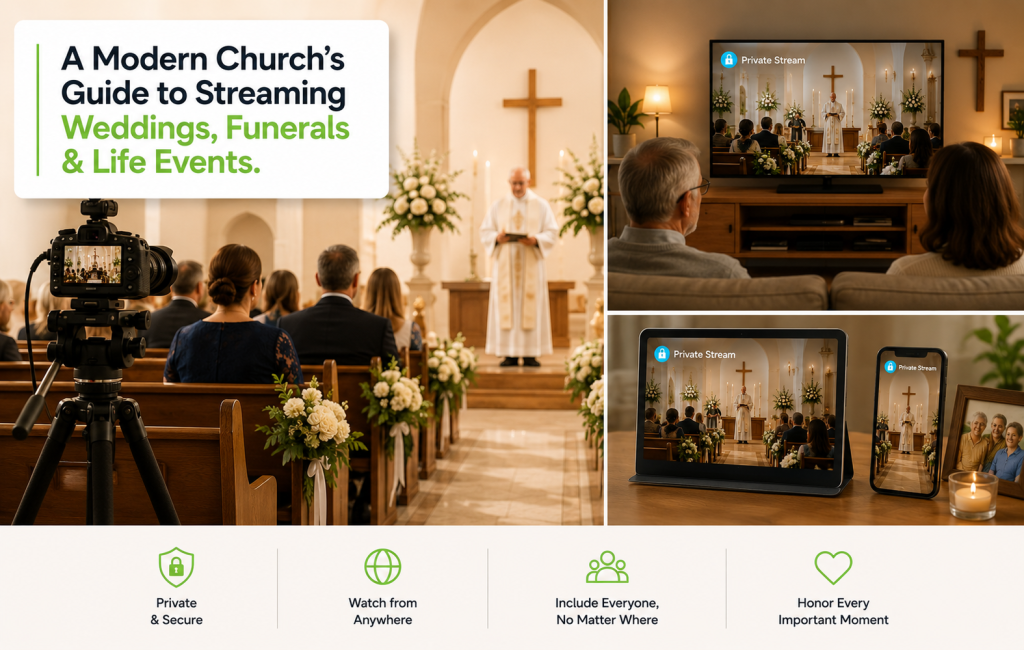
When Family Can’t Be There
Streaming life events is one of the most quietly meaningful things a modern church does. A grandparent who can’t fly to a wedding. A sibling deployed overseas during a baptism. A friend in chemo who can’t make a funeral. These are moments people remember being able to watch when they couldn’t be present. Streaming life events isn’t about adding tech to a service — it’s about widening the room.
Here’s how to do it with dignity, technical reliability, and pastoral care.
The Four Most Common Life Events Churches Stream
- Weddings: Distant family, friends with mobility limits, professional colleagues
- Funerals and memorials: Often the most-watched stream a church will run all year
- Baptisms and dedications: Godparents and grandparents who can’t travel
- Milestone events: Anniversaries, ordinations, and confirmations
The Three Things Families Always Ask For
- Privacy: Not the open public internet. A password, an unlisted link, or invitation-only access.
- Reliability: No buffering during the vows. No drops during a eulogy.
- A clean replay: Edited where appropriate, available to family, downloadable on request.
Deliver those three and you’ll be invited to stream every important family moment in your congregation.
Production Setup That Stays Out of the Way
Life events demand a discreet, dignified production. The setup most churches land on:
- One static wide shot from the back of the sanctuary
- One operated camera with a longer lens for close-ups (handheld or shoulder rig)
- A clean audio feed from the house mixer — never the camera mic alone
- A single operator at a small switcher
The goal is invisible production. Guests in the room should never feel they’re at a TV shoot.
Privacy Controls That Actually Work
The biggest mistake churches make streaming life events is treating them like Sunday services and posting them publicly. Use platform-level access controls instead:
| Access Level | When to Use |
|---|---|
| Unlisted link | Most weddings — shared via family invite list |
| Password-protected | Funerals where extended community is invited |
| Account-gated | When you want a record of who watched |
| Time-limited replay | When the family wants viewing closed after a window |
Set the controls before the event — not after.
Pastoral Best Practices
The technical side is the easy half. The pastoral side is where churches over- or under-do it.
- Always ask first. Some families don’t want a funeral streamed. Some don’t want a wedding online. Their preference is the rule.
- Talk through what the camera will and won’t see. Children, casket, communion — discuss each in advance.
- Brief the officiant. A short note that “we’re streaming privately for family” lets them speak naturally to both audiences.
- Offer the replay quietly. Send a personal link the next day, not a public social post.
Turn It Into a Standing Offer
Most churches that handle one wedding stream beautifully get asked for the next four. Make it a formal offering:
- List “private streaming” on your wedding and funeral planning sheets
- Charge a modest fee that covers the operator and the platform cost
- Provide one page that shows family members how to watch and how to access the replay
Common Mistakes to Avoid
- Publishing the link on social media “to help people find it”
- Forgetting to test audio levels before the event
- Leaving the recording only on the camera’s SD card with no backup
- Cutting away from the family at the wrong moment
Ready to start streaming life events with dignity and reliability? Start your free trial today and serve your families on the days they remember most.