

Live Streaming Doesn’t Have to Be Complicated
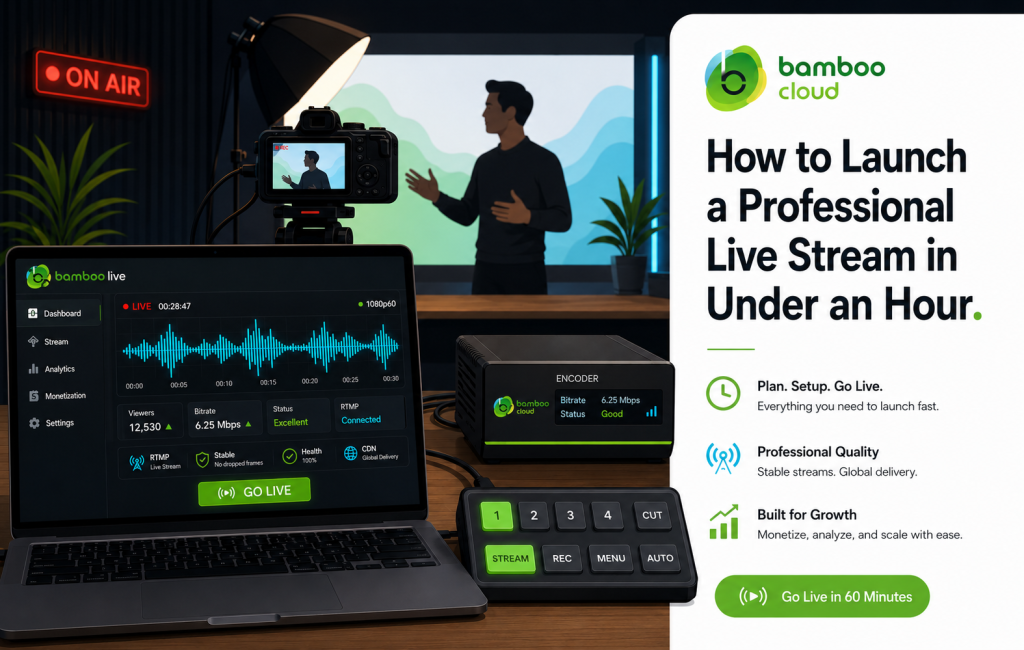
For years, professional live streaming meant juggling three or four different tools: an encoder, a CDN, a paywall, a chat plugin. Bamboo Live brings all of that under one roof so you can plan, broadcast, and monetize a live event without leaving the platform.
Here’s exactly how to launch a live stream in under an hour.
Step 1: Create Your Live Event in the Dashboard
Inside the Bamboo Cloud dashboard, open Bamboo Live and create a new event. You’ll set:
- Title, description, and thumbnail
- Scheduled start time (or “start immediately”)
- Monetization: Free, SVOD-gated, PPV, or AVOD
- Auto-record to VOD library (recommended)
Step 2: Connect Your Encoder
Bamboo Live accepts RTMP from any standard encoder — OBS Studio, Wirecast, vMix, ATEM Mini, or hardware encoders like Teradek and LiveU. Copy the stream key and ingest URL from the dashboard and paste them into your encoder.
Recommended encode settings for a typical 1080p broadcast:
- Resolution: 1920×1080
- Bitrate: 4500–6000 kbps
- Frame rate: 30 fps (60 fps for sports)
- Keyframe interval: 2 seconds
- Codec: H.264, AAC audio
Step 3: Test Before You Go Live
Use the preview mode to confirm video and audio levels are clean. Bamboo Live’s automatic transcoding ladder will deliver adaptive bitrate streams to viewers, so phones, tablets, and TVs each get the right quality.
Step 4: Promote Your Event
Embed the live player on your Bamboo Site, share it inside your OTT apps, and post the watch link on social. Because the same event lives across all surfaces, you don’t have to manage multiple streams.
Step 5: Go Live and Monitor
Hit “Start” in your encoder. From the dashboard you’ll see real-time viewer counts, concurrent peaks, geographic distribution, and chat activity. If anything goes wrong, the multi-CDN delivery means failover is automatic.
Step 6: Capture the Replay
When the broadcast ends, the recorded VOD is automatically published to your library — already transcoded, captioned (if enabled), and ready to monetize on-demand.
Live Streaming Use Cases We See Every Week
- Faith: Sunday services and special events
- Sports: Local leagues, niche tournaments, esports
- Fitness: Live workouts with paywalled access
- Education: Webinars, masterclasses, conferences
- Entertainment: Concerts, behind-the-scenes, fan Q&As
Ready to broadcast? Start your free trial today and run your first live event this week.