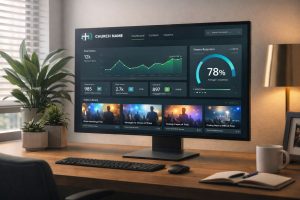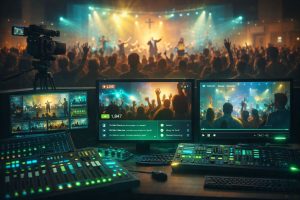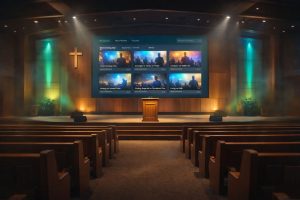


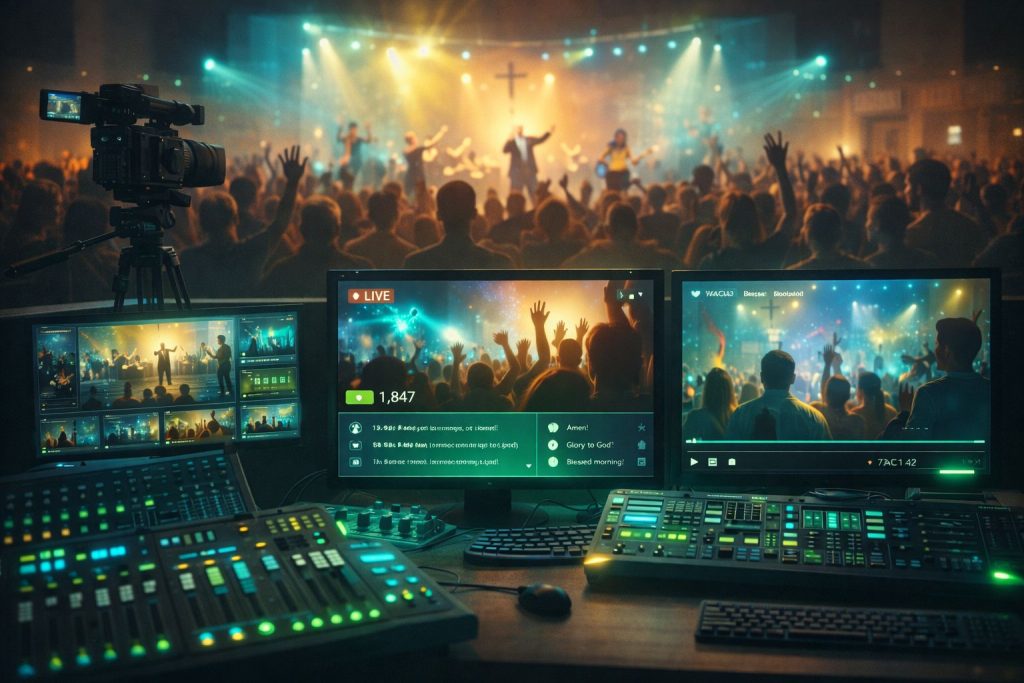
The congregation gathered in your sanctuary is only part of your church family. There are members watching from hospital beds, nursing homes, work shifts, and living rooms across the country.
Live streaming brings them into the service. It transforms your physical gathering into a shared experience that reaches far beyond your building’s walls.
If your church is ready to start live streaming—or wants to improve your current setup—this guide will walk you through everything you need to know.
Why Live Stream Your Services?
Before diving into the how, let’s remember the why:
Serving Those Who Can’t Attend
Illness, mobility challenges, work schedules, caregiving responsibilities—many faithful members face barriers to physical attendance. Streaming keeps them connected.
Welcoming Visitors
Many people “visit” a church online before ever walking through the doors. Your live stream is often their first impression.
Reaching Beyond Geography
Former members who’ve moved away, family of congregants, and seekers anywhere in the world can join your services.
Creating Content
Every live stream becomes a recorded sermon for your archive, extending the impact of each message.
Essential Equipment for Church Live Streaming
You don’t need a TV studio to stream effectively. Here’s what matters:
Camera
Start with what you have—even a quality smartphone can work. As you grow, consider:
- Dedicated camcorders or PTZ (pan-tilt-zoom) cameras
- Multiple camera angles for visual variety
- Cameras with good low-light performance for sanctuary lighting
Audio
This is where many churches struggle—and where quality matters most. Viewers will tolerate imperfect video, but poor audio drives them away.
- Use your existing soundboard feed when possible
- Dedicated microphones for speaking portions
- Audio interface to connect to your streaming setup
Internet Connection
Reliable upload speed is critical. You’ll need:
- Minimum 10 Mbps upload speed (more is better)
- Wired ethernet connection (not WiFi) for stability
- Backup connection option for important services
Streaming Software or Hardware
You need something to encode and send your stream:
- Software options: OBS Studio (free), vMix, Wirecast
- Hardware encoders for simpler, dedicated streaming
- Some cameras can stream directly to platforms
Setting Up Your Stream: Step by Step
1. Plan Your Shot
Decide what viewers will see. A single wide shot works for starting out. As you develop, consider:
- Wide shot of the stage/pulpit
- Close-up of the speaker
- Worship team coverage
- Congregation shots (with appropriate permissions)
2. Connect Your Audio
The cleanest audio usually comes from a direct feed from your soundboard. Work with your audio team to get a mixed output that sounds good for streaming (which may differ from the in-room mix).
3. Configure Your Streaming Software
Set your resolution (1080p is standard), bitrate (4,000-6,000 kbps typically), and connect to your streaming platform.
4. Test Before Going Live
Always do a test stream before service. Check video framing, audio levels, and stream stability. Watch on multiple devices.
5. Have a Team Member Monitor
Assign someone to watch the stream during service. They can catch issues and interact with online viewers.
Engaging Your Online Congregation
Live streaming isn’t just broadcasting—it’s creating community:
Acknowledge Online Viewers
A simple “welcome to those joining us online” makes virtual attendees feel seen.
Enable Live Chat
Let online viewers greet each other and share prayer requests. Assign someone to monitor and respond.
Include Calls to Action
How can online viewers participate? Provide links for giving, prayer requests, and connection.
Consistent Schedule
Stream at the same times every week so your online congregation knows when to tune in.
Common Live Streaming Challenges
Buffering and Quality Issues
Usually an internet problem. Test your connection and consider a dedicated line for streaming.
Audio Sync Problems
When video and audio don’t match, check your encoding settings and reduce any unnecessary processing.
Low Viewership
Promote your stream! Many congregation members don’t know it exists. Announce it regularly and make links easy to find.
Volunteer Burnout
Streaming every week requires commitment. Build a rotation of trained volunteers.
How Bamboo Cloud Supports Church Live Streaming
Bamboo Cloud provides churches with professional live streaming capabilities:
- Reliable HD streaming – Broadcast services in high quality to any audience size
- Multi-device viewing – Congregation watches on phones, tablets, smart TVs, and computers
- Automatic recording – Every live stream becomes an on-demand sermon
- Custom branding – Your church’s identity throughout the experience
- Easy setup – Connect your streaming software and go live
- Faith-focused features – Built with church needs in mind
Start Reaching Your Extended Congregation
Somewhere right now, a member of your church family wishes they could be in service but can’t. Live streaming brings the service to them.
The technology is more accessible than ever. The impact on your ministry can be profound.
Explore Bamboo Cloud’s live streaming for churches and start connecting with your full congregation—wherever they are.