


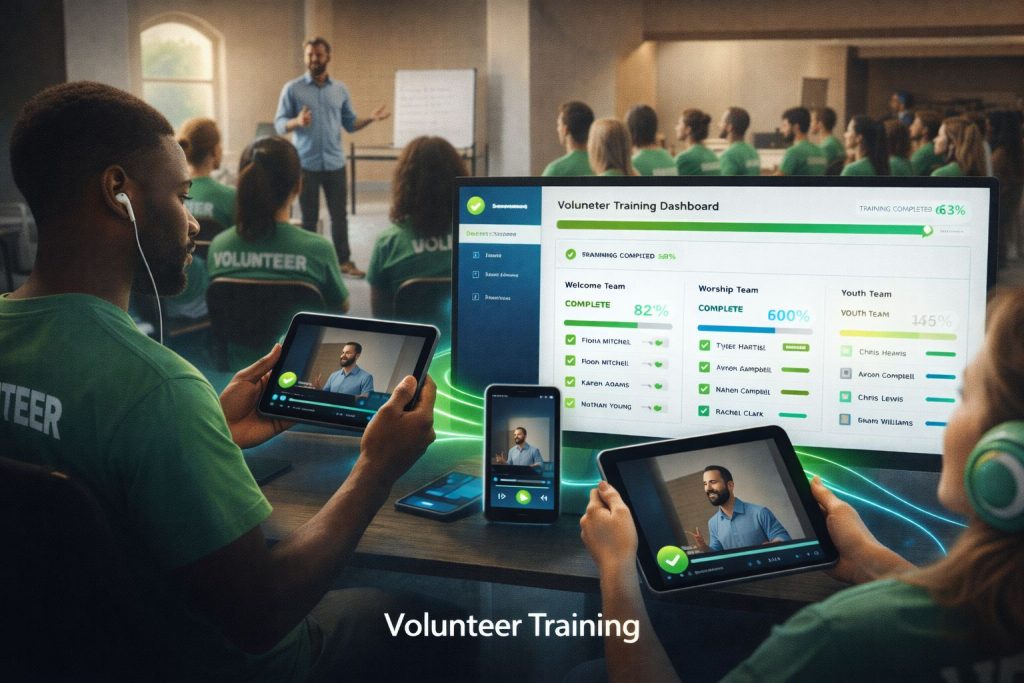
Volunteers Are the Backbone of Your Church
From greeters to worship team members, children’s ministry workers to tech booth operators, volunteers make ministry happen. But training them consistently and effectively is a constant challenge.
Video-based training solves the biggest volunteer training problems: inconsistency, scheduling conflicts, and the endless cycle of retraining for turnover.
Why Video Training Works for Volunteers
Consistency
Every volunteer gets the exact same training:
- No variations based on who’s teaching
- Key points never get forgotten or skipped
- Standards are clearly communicated
- Expectations are uniform across all teams
Flexibility
Volunteers train on their own schedule:
- No need to coordinate group training sessions
- Watch during lunch break, evening, or weekend
- Pause, rewind, and rewatch as needed
- New volunteers can start immediately
Scalability
Create once, train thousands:
- Training content works for years
- Multiple campuses get identical training
- Rapid onboarding for growing teams
- Seasonal volunteer surges handled easily
Types of Volunteer Training Videos
Orientation and Culture
Welcome videos that communicate vision:
- Church mission and values
- Why volunteers matter
- Expectations and commitments
- How to get help and support
Role-Specific Training
Detailed training for each ministry area:
- Greeters – Welcoming guests, handling questions
- Children’s ministry – Safety protocols, teaching techniques
- Worship team – Rehearsal expectations, stage presence
- Tech team – Equipment operation, troubleshooting
- Hospitality – Setup, serving, cleanup procedures
Policy and Safety
Required training for compliance:
- Child protection policies
- Emergency procedures
- Incident reporting
- Confidentiality guidelines
Skill Development
Ongoing growth opportunities:
- Leadership development
- Communication skills
- Conflict resolution
- Spiritual formation
Creating Effective Training Videos
Keep It Focused
One topic per video:
- 5-10 minutes is ideal for most training
- Longer topics should be split into modules
- Clear learning objectives for each video
Show, Don’t Just Tell
Demonstrate what you’re teaching:
- Screen recordings for software/tech training
- Live demonstrations of physical tasks
- Role-playing for interpersonal skills
- Real examples from actual ministry situations
Include Real People
Feature actual volunteers and staff:
- Testimonies from experienced volunteers
- Tips and tricks from the field
- Leadership endorsement of training importance
Make It Searchable
Organize content so volunteers can find what they need:
- Clear titles and descriptions
- Categorized by ministry area
- Tagged by topic and skill level
- Searchable within your platform
Tracking and Accountability
Video training enables tracking that in-person training can’t:
- Completion tracking – Know who’s finished required training
- Progress monitoring – See where volunteers are in their training path
- Certification records – Document compliance for policies
- Renewal reminders – Automate retraining notifications
Organizing Your Training Library
Structure your training content logically:
- By ministry area – Children’s, worship, hospitality, etc.
- By training stage – Orientation, role-specific, advanced
- By requirement – Required vs. optional training
- By renewal period – Annual recertification, one-time, etc.
Get Started with Bamboo Cloud
Bamboo Cloud makes volunteer training simple:
- Private training categories for volunteers only
- Progress tracking and completion status
- Organized content library by ministry area
- Mobile access so volunteers can train anywhere
Build your volunteer training library with Bamboo Cloud