

Your Streaming Platform, Faster Than You Think
The idea of launching your own Netflix-like streaming platform sounds like a massive undertaking. Custom development, app store approvals, payment integration, content delivery infrastructure—it could take months and cost a fortune.
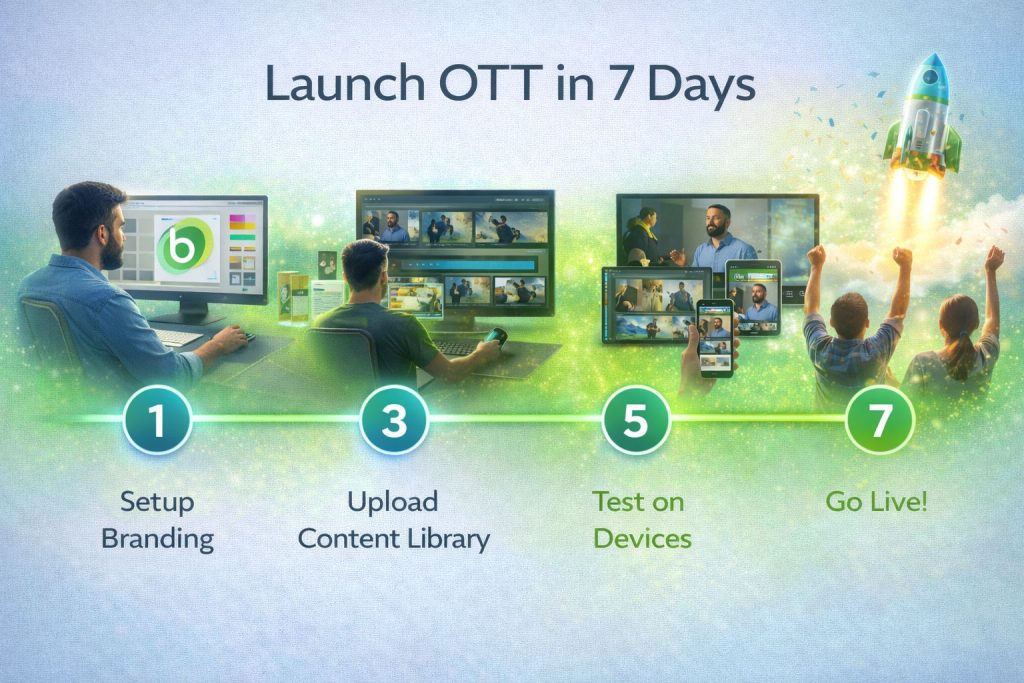
Or you could launch in 7 days.
Bamboo Cloud handles the technical complexity so you can focus on what matters: your content and your audience. Here’s your day-by-day plan.
Day 1: Set Up Your Account and Branding
Morning: Create Your Account
- Sign up for Bamboo Cloud
- Choose your plan based on your needs
- Access your dashboard immediately
Afternoon: Configure Branding
- Upload your logo
- Set your brand colors
- Choose your fonts and styling
- Configure your custom domain
End of Day 1: Your platform has your branding and custom domain ready.
Day 2: Organize Your Content Structure
Plan Your Content Architecture
- Create categories and subcategories using the Category Tree
- Define your content organization (by topic, series, type)
- Set up playlists for curated viewing paths
- Configure featured content for your homepage
End of Day 2: Your content structure is ready to receive videos.
Day 3: Upload Your Content
Start Uploading
- Bulk upload your video library
- Add titles, descriptions, and metadata
- Assign videos to categories
- Set thumbnails for each video
- Let Bamboo Cloud handle transcoding automatically
End of Day 3: Your content library is populated and organized.
Day 4: Configure Monetization
Set Up Your Revenue Model
- Choose your monetization strategy (SVOD, TVOD, free, hybrid)
- Create subscription tiers and pricing
- Configure payment processing
- Set up free trial offers if desired
- Designate which content is free vs. premium
End of Day 4: Your platform can accept payments and manage subscriptions.
Day 5: Customize Your Viewer Experience
Fine-Tune the Platform
- Customize your homepage layout
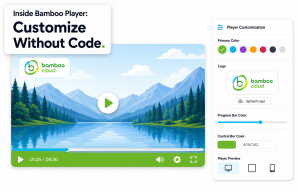
- Configure the Bamboo Player V2 settings
- Set up user registration flow
- Configure email notifications
- Test the viewing experience on different devices
End of Day 5: Your platform looks and feels professional, branded, and ready for viewers.
Day 6: Set Up Apps (Optional but Recommended)
Deploy Mobile and TV Apps
- Configure iOS and Android app settings
- Set up TV apps (Roku, Fire TV, Apple TV)
- Bamboo Cloud’s unified setup means your branding and content sync automatically
- Submit to app stores for review
End of Day 6: Your apps are configured and submitted for review.
Day 7: Launch!
Go Live
- Final review of all content and settings
- Test subscription flow end-to-end
- Announce your platform to your audience
- Share on social media
- Send launch email to your mailing list
- Celebrate! 🎉
End of Day 7: Your streaming platform is LIVE.
Post-Launch Essentials
Week 2 and Beyond
- Monitor analytics to understand viewer behavior
- Publish new content on a regular schedule
- Engage with subscribers through notifications
- Optimize based on data
- Plan your first live stream event
What You’ll Have After 7 Days
- ✅ Fully branded streaming website
- ✅ Organized content library
- ✅ Working subscription and payment system
- ✅ Custom video player
- ✅ Mobile and TV apps (submitted/in review)
- ✅ Analytics dashboard tracking every metric
Start Your 7-Day Launch
Stop planning and start building. Your audience is waiting.
See what your platform could look like: demo.bamboo-cloud.com
Launch your OTT platform with Bamboo Cloud