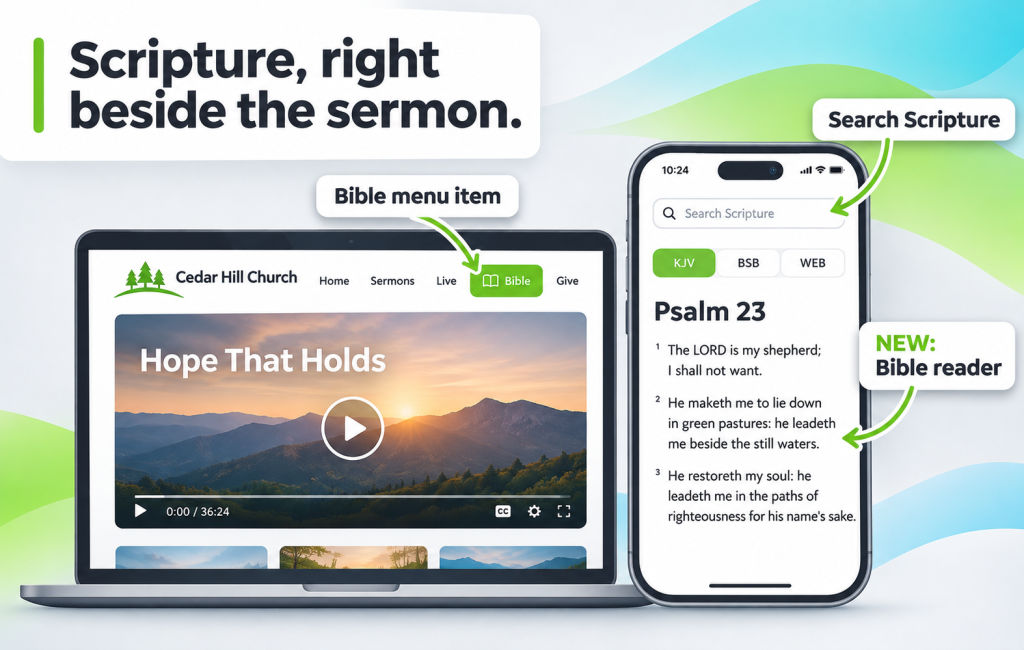
“Turn with me to Romans 8.” In the sanctuary, everyone reaches for a Bible. Online, viewers open a new tab, search for a Bible app, and sometimes never come back to the sermon. A Bible reader built into your church website keeps Scripture and the message in the same place.
Why Your Church Website Needs a Bible Reader
Your online congregation watches on phones, laptops and TVs, often without a printed Bible nearby. When the pastor reads a passage, they want to follow along. Every time they leave your site to find it, you risk losing them to notifications, feeds and other distractions.
A Bible reader on your own church website does three things:
- Keeps viewers engaged: they read along and return to the sermon in one tap.
- Supports study beyond Sunday: small groups and personal devotions can start from your site, not someone else’s app.
- Makes your site a daily habit: people who open your site to read Scripture see your latest messages, events and series too.
What Bamboo’s Bible Reader Includes
The Bible reader lives in your site’s main menu, so it’s always one tap away. It includes three English translations:
- KJV (King James Version), the classic many congregations know by heart.
- BSB (Berean Standard Bible), a modern, readable translation.
- WEB (World English Bible), a modern public-domain translation.
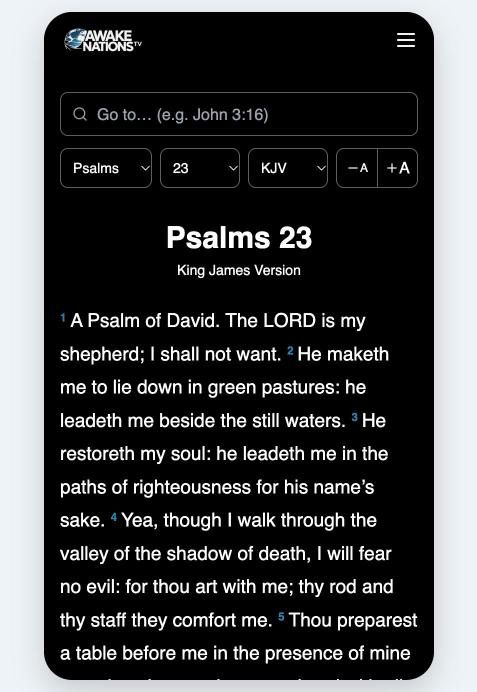
Viewers can switch translations, move between books and chapters, and search for any Scripture reference, such as “John 3:16” or “Romans 8”.
The Bible reader is available directly on your streaming website and mobile apps. On TV apps, viewers can scan a QR code to open the Bible reader on their phone, making it easy to follow along without trying to read Scripture on a television screen.
How to Add a Bible Reader to Your Church Website
The Bible reader is available on the Pro plan and up. Setting it up takes about a minute:
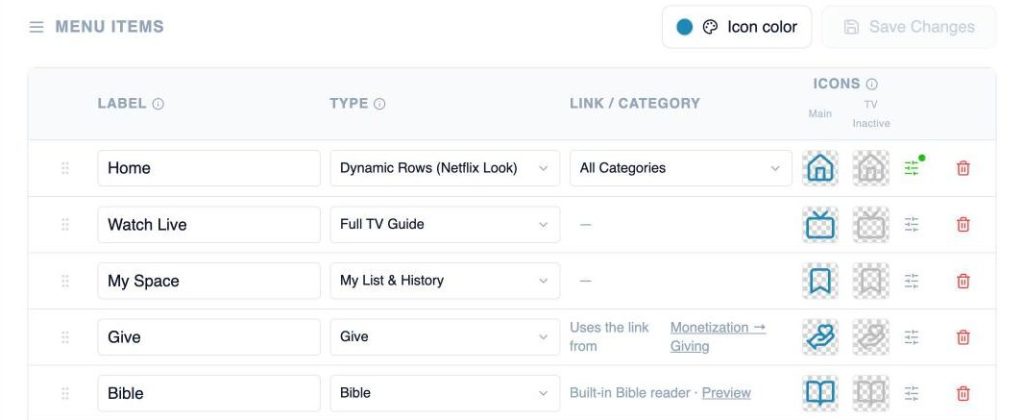
- Go to Platform > Navigation.
- Add a new menu item and set its Type to Bible.
- Give it a label, such as “Bible” or “Read Scripture”, and pick an icon from the menu icon picker.
- Save. The Bible item appears in your website and app menus. On TV apps, selecting it displays a QR code that viewers can scan to read on their phone.
Five Ways to Use It in Your Ministry
- Mention it from the pulpit: “Follow along in the Bible tab on our site.” A simple habit that keeps online viewers with you.
- Add passages to sermon descriptions: list the key verses so viewers know where to read afterward.
- Build a reading plan series: pair a short daily video with the chapter to read that day.
- Equip small groups: leaders can point the group to the same translation and passage before discussion.
- Encourage weekday Bible reading: invite members to return to your site throughout the week to explore the passages discussed during Sunday services.
One Place for the Word and the Message
Your sermons point people to Scripture. Now your streaming site can, too. Add the Bible reader once, and every message you publish has God’s Word right beside it.
Ready to add Scripture to your site? Open Navigation settings
Don’t have an account yet? Start your free trial today.